
AI Image Editor
Edit photos fast with Nano Banana powered AI. Remove backgrounds, replace objects, apply styles, and enhance images instantly — no design skills required.



Feedback

Nano Banana 2 Is Here
Nano Banana 2 - Best Image Generator

Kling 3 Is Here
Kling 3 - See the Sound, Hear the Visual.

Seedance 2.0 AI Video Generator — The Future of AI Video Is Here
Veo3.1 Video Generator
Veo3.1 is here - Create Stunning Videos Now!
AI Video Effects
AI Effects - Create Funny Videos Easy!
Kling Motion Control
Kling Motion Control - Precision AI Video

Suno AI Music Generator
Suno AI Music Generator - Create Professional Music with AI
All Tools
Browse AI tools
Nano Banana2
Best Image Generator
Kling3
Next-Gen AI Video Generator

Veo3
Create Stunning Videos with Veo3.1
Sora2 Video Generator
Advanced AI Video Generator for High-Quality Videos
Seedance2.0
The Future of AI Video Is Here.
Kling Motion Control
Turn reference images into amazing motion videos in minutes
Suno AI Music Generator
Create Professional Music with AI
Nano Banana
Advanced AI Image Generator
AI Image Editor Examples
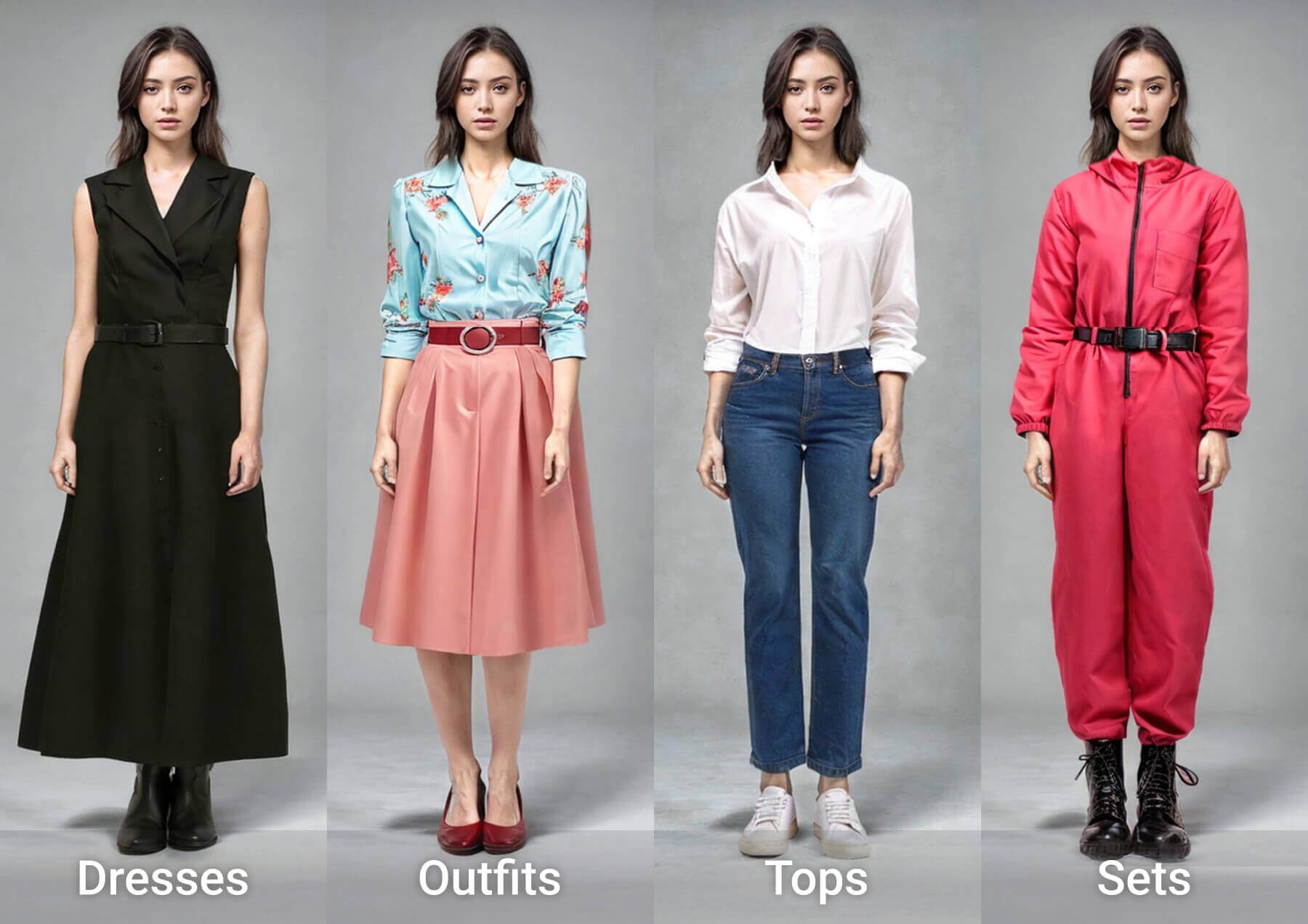
See what our AI Image Editor can do. Remove backgrounds, change styles, enhance photos instantly.


AI Image Editor — Fast Edits
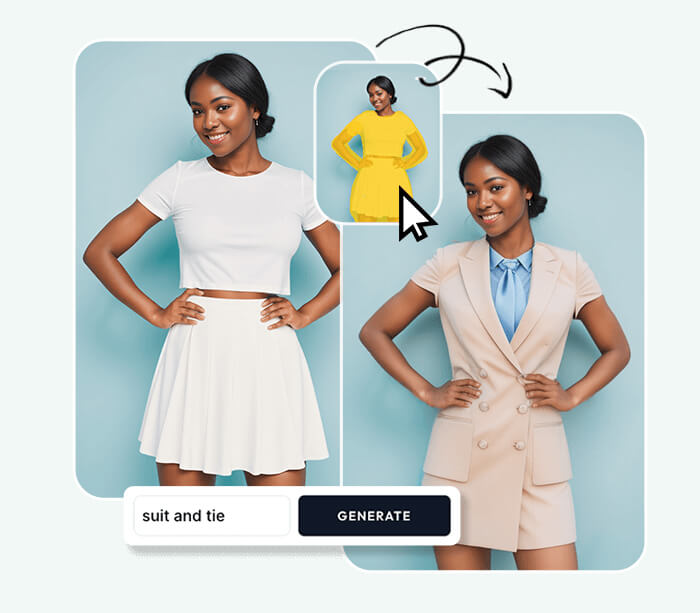
AI Image Editor uses Nano Banana models to generate and precisely edit photos. Upload an image, type your request, and get instant, high-quality edits like background removal, object replace, and style transfer.
- Describe to EditTell the AI what to change.
- Instant OutputSee edits in seconds.
- Try FreeFree daily edits available.
Why Use AI Image Editor
Fast, precise edits for creators and pros. Multiple models and a single workflow deliver background removal, object replace, and style transfer with minimal steps.

How to Use AI Image Editor
Three quick steps: upload, describe the edit, then download the result. No design skills needed.
Features of AI Image Editor
Essential tools for fast, precise photo edits: background removal, object erase, style transfer, color adjust, enhancement, and re-generate.
Background Removal
Cut out backgrounds quickly.
Style Transfer
Apply artistic looks.
Color Adjust
Tweak tones by prompt.
Object Remove
Erase unwanted items.
Enhance
Improve clarity and detail.
Regenerate
Try new variations fast.
AI Image Editor FAQ
Common questions about our AI Image Editor. Learn about features, pricing, and capabilities.
What is AI Image Editor?
A free online tool that uses AI to edit photos. Upload, describe changes, get results in seconds.
Do I need design skills?
No. Just describe what you want in plain language. The AI Image Editor handles the rest.
Is AI Image Editor free?
Yes. Basic editing is free with no sign-up. Premium features available for advanced needs.
What formats are supported?
Upload JPG or PNG. Download in multiple formats including high-quality exports.
Can I re-edit results?
Yes. Use AI Image Editor to regenerate with new prompts until you're satisfied.
Is it safe for personal photos?
Yes. Your images are processed securely and not stored permanently.
Start Editing with AI Image Editor
No complex software needed. Upload your photo, describe changes, and let our AI Image Editor do the work. Free and instant.